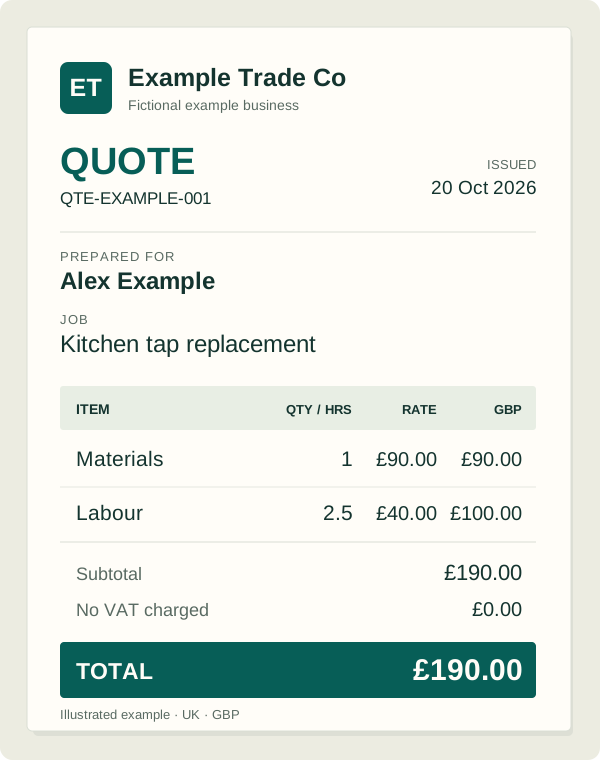
Open the quote.
Start from the customer and job details you’ve already prepared, instead of a blank invoice.
Planned · Reuse the details Easy Paper ScanReceipts and job paperwork, made simple.
Planned feature · Quote to invoice
We’re adding a way to turn the quote you’ve already made into an invoice. Less typing the same job twice.
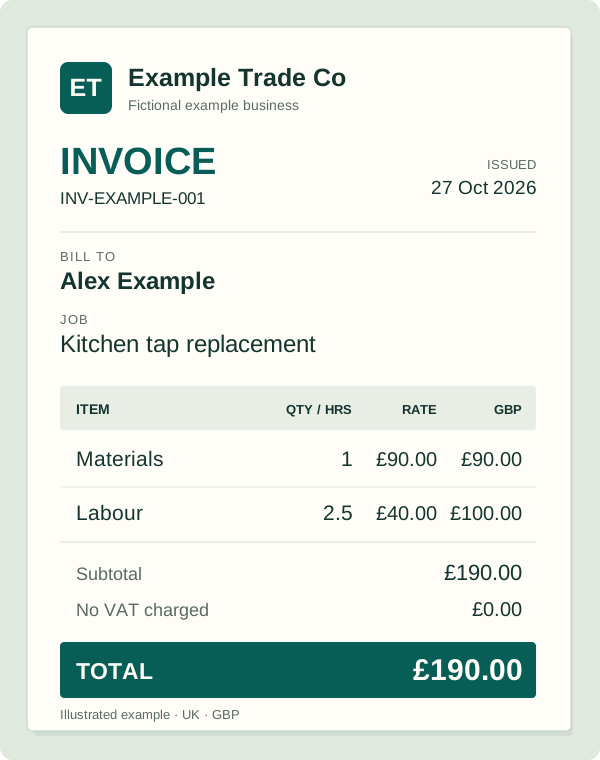
Reuse your customer details, company logo and job items. Check any changes, then create a separate invoice PDF.
See the planned stepsPlanned feature. The current app creates quotes and invoices separately.
The planned flow
Start from the customer and job details you’ve already prepared, instead of a blank invoice.
Planned · Reuse the detailsReview the materials, labour, dates, prices and tax. The finished work may differ from the original quote.
Planned · Your final checkSave a new invoice PDF for your customer. Keep the original quote alongside it in the job.
Planned · Keep both papersWant to see what’s working now? See receipt to invoice, or hear when the app is ready.