Scan.
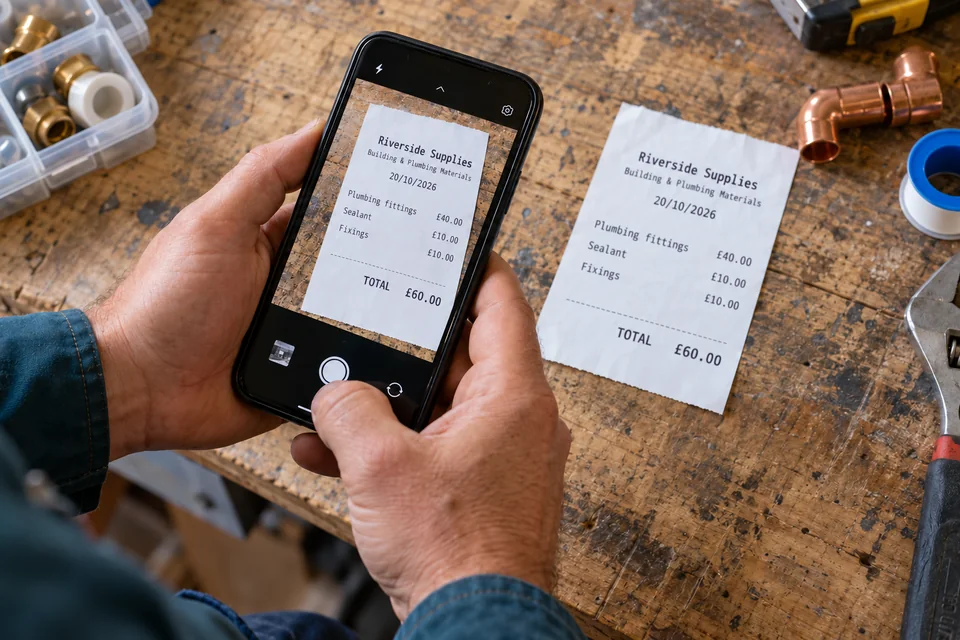
Photograph the receipt. The app reads the printed text and suggests the supplier, date and total.
Less typing Easy Paper ScanReceipts and job paperwork, made simple.
Receipt to invoice · Feature preview
Scan a receipt. The app reads the supplier, date and total for you.
Put the cost onto a new or existing invoice, add labour and share the PDF. A quick check keeps you in control of the figures.
See how it worksComing soon to Android in English-speaking countries. This preview shows the app in development, using example paperwork.
Onto invoice New or existing draft
Check the details. Add labour if needed.
Less evening admin
Photograph the receipt. The app reads the printed text and suggests the supplier, date and total.
Less typingCheck the suggested details, then tap Use in invoice. Choose an existing invoice draft or start a new one. Add your labour and review the charges and tax.
Your materials and time, togetherCreate the invoice PDF with your saved company details and logo. Use Share current PDF to choose how to send it to your customer.
Ready for your customer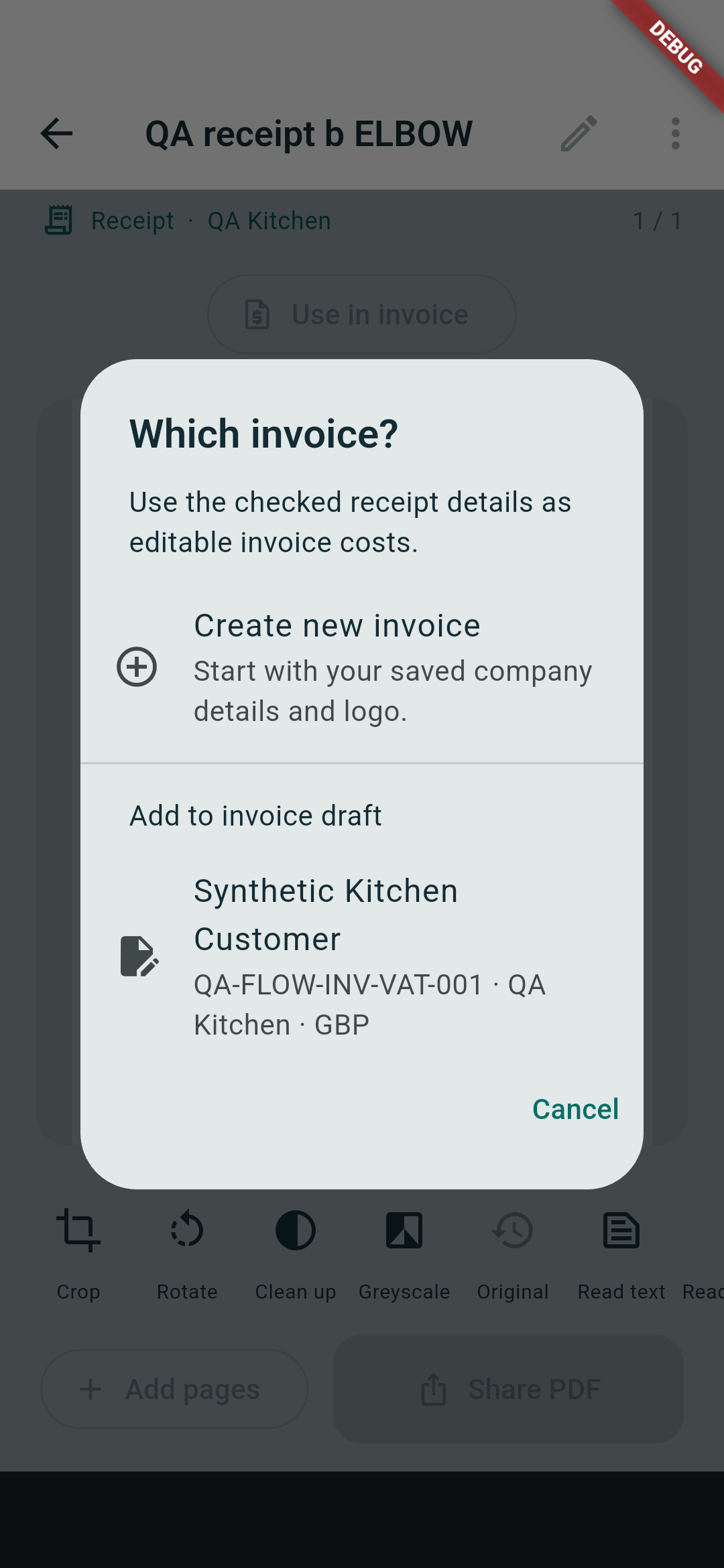
Example job
You’ve checked £90 of material charges. Add two and a half hours at £40 an hour: £100 for your time.
The supplier’s VAT and the VAT on your customer invoice are separate. Check the charges and tax that apply to your job before issuing.
Hear when it’s readyWorked example · UK · GBP
| Reviewed material charges | £90.00 |
|---|---|
| Labour 2.5 hours × £40 | £100.00 |
| Subtotal | £190.00 |
| VAT 20% selected in this example | £38.00 |
| Total | £228.00 |
VAT is optional. You choose whether it applies and check the rate.